Without Compaction
- Context limit reached after ~30 minutes
- Session must be restarted
- Context is completely lost
- Agent forgets previous work
- Files must be re-read
- High token costs from repetition
Your code is never stored. GDPR-compliant processing with immediate data deletion.
View our security standardsContext Management
When a task grows beyond the context window, not every old message matters equally. Context Compaction condenses the work so far and keeps the latest steps in the conversation.
The work state stays traceable: what is the goal, which files changed and what comes next? That is where the next stage picks up.
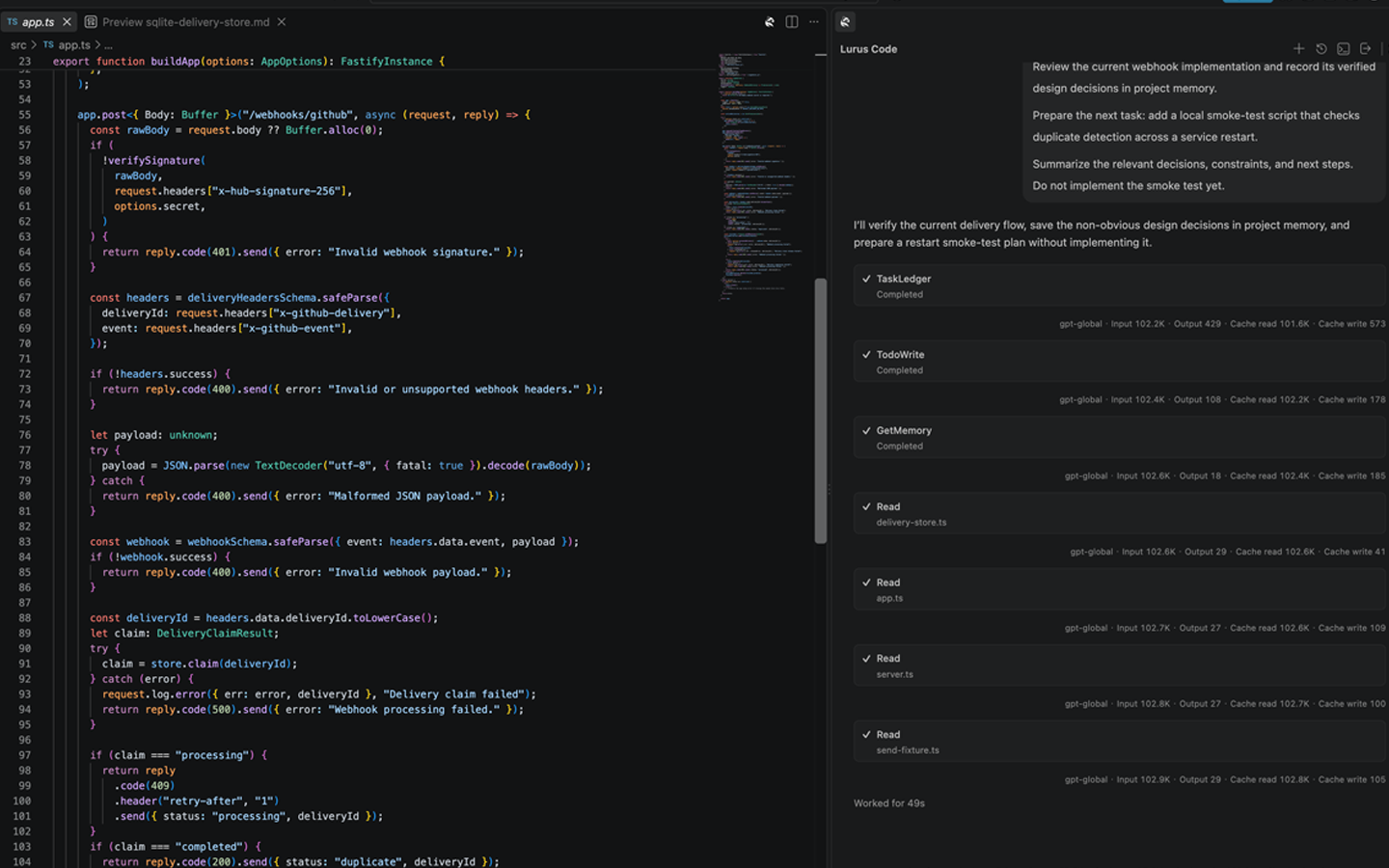
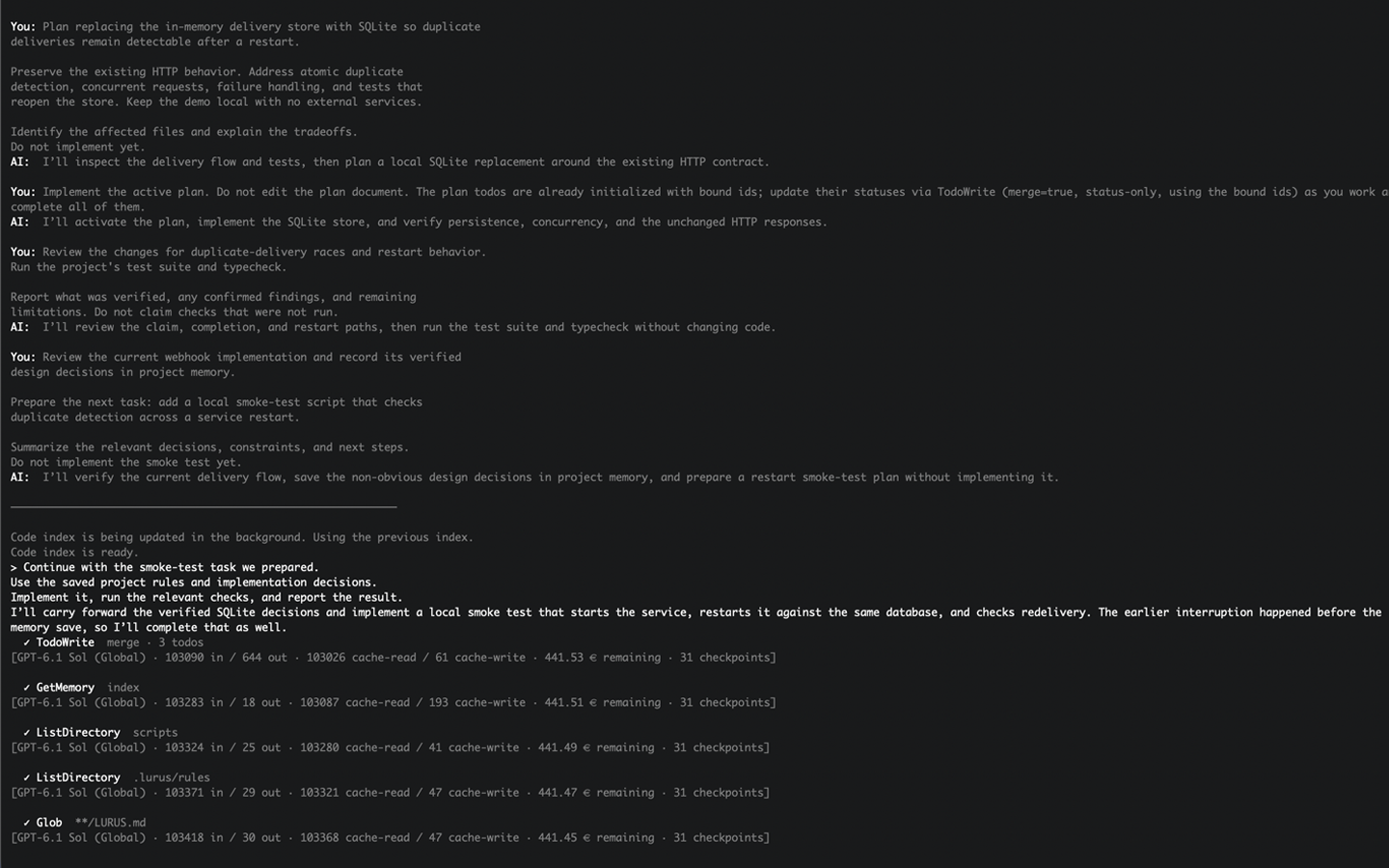
Illustrative workflow
overall_goalactive_constraintskey_knowledgeartifact_trailtask_state Many steps become one structured work state.
The difference is dramatic - especially for long sessions.
Average compression rate
Tokens per conversation
With Haiku model
All file paths preserved
Condense. Don't start over.
An intelligent process that compresses your context without losing important information.
Work indefinitely on complex tasks. Lurus Code intelligently compresses your context - without losing information.
When 50% (or 85% in Max Mode) of context is used, compression starts automatically.
70% older messages are summarized, 30% most recent are kept verbatim.
A structured XML document captures all critical information: goal, files, tasks, constraints.
The agent continues with compressed context - no interruption, no questions asked.
Structured work state
This is what compressed context looks like - structured, complete, lossless.
<state_snapshot>
  <overall_goal>Implement user authentication with OAuth2</overall_goal>
  <active_constraints>
    - Use TypeScript strict mode
    - Follow existing patterns in src/auth/
    - No external dependencies without approval
  </active_constraints>
  <key_knowledge>
    - Auth service at src/services/auth.service.ts
    - JWT secret in .env.local
    - Database: PostgreSQL with Prisma
  </key_knowledge>
  <artifact_trail>
    MODIFIED: src/services/auth.service.ts - Added OAuth2 flow
    CREATED: src/types/oauth.types.ts - OAuth response types
    READ: src/config/database.ts - Connection settings
  </artifact_trail>
  <task_state>
    1. [DONE] Create OAuth types
    2. [IN PROGRESS] Implement token refresh
    3. [TODO] Add logout endpoint
  </task_state>
</state_snapshot># Manual compaction
/compact
# Enable Max Mode (85% threshold)
/max
# Check status
/status
# → Context: 45% (Max Mode: ON)
# Change utility model for summarization
/utilitymodel sonnet// lurus.config.json
{
"compactionModel": "haiku",
"compactInstructions": "Preserve all API endpoints and their parameters",
"maxContextTokens": 200000
}What works together behind the scenes
Everything you need to work indefinitely on complex tasks.
Claude Code Style - Seamless & Intelligent
When your context reaches 50% of the limit, Lurus Code automatically compresses the conversation. You continue working seamlessly - the agent retains all important information.
Structured XML Summarization
Compression creates a structured <state_snapshot> with all critical information: goal, constraints, file paths, actions and task status. No context is lost.
Intelligent Prioritization over FIFO
Instead of simply deleting old messages, Lurus Code scores each message by relevance. Important information is preserved, redundant content is removed.
Intelligently Truncate Large Outputs
Large tool outputs (Grep, Read, Bash) are intelligently truncated. Stale reads for unedited files are reduced to 5 lines - the agent can re-read the file if needed.
Maximum Context Utilization
For complex tasks: Max Mode delays compaction until 85% of context. More context = better results for large refactorings or code reviews.
Compress Project Instructions
When LURUS.md or project rules become too large, Lurus Code automatically condenses them. All MUST/NEVER/ALWAYS rules are preserved - only redundancy is removed.
For developers who want to know the details.
Context Compaction works seamlessly with these features.
Persistent sessions with auto-save and seamless resume.
Learn more →Select code, give instruction, AI edits - directly in your editor.
Learn more →Explore how Lurus Code structures longer workflows and carries the work state into the next steps.
Lura is the language model adapted by Lurus for coding tasks. It uses separate Lura credits provided in addition to your regular model credits.