
GDPR GDPR by by design design
Documented privacy guarantees and a contact in Germany.
Your code is never stored. GDPR-compliant processing with immediate data deletion.
View our security standardsLurus Code · Your AI coding agent
Lurus Code understands your project, plans changes and implements them in VS Code and CLI. Choose the right model and stay in control – with no training on your code.
Zero Data Retention at model providers. Providers and processing regions are clearly documented.
Shared credits. Central management.
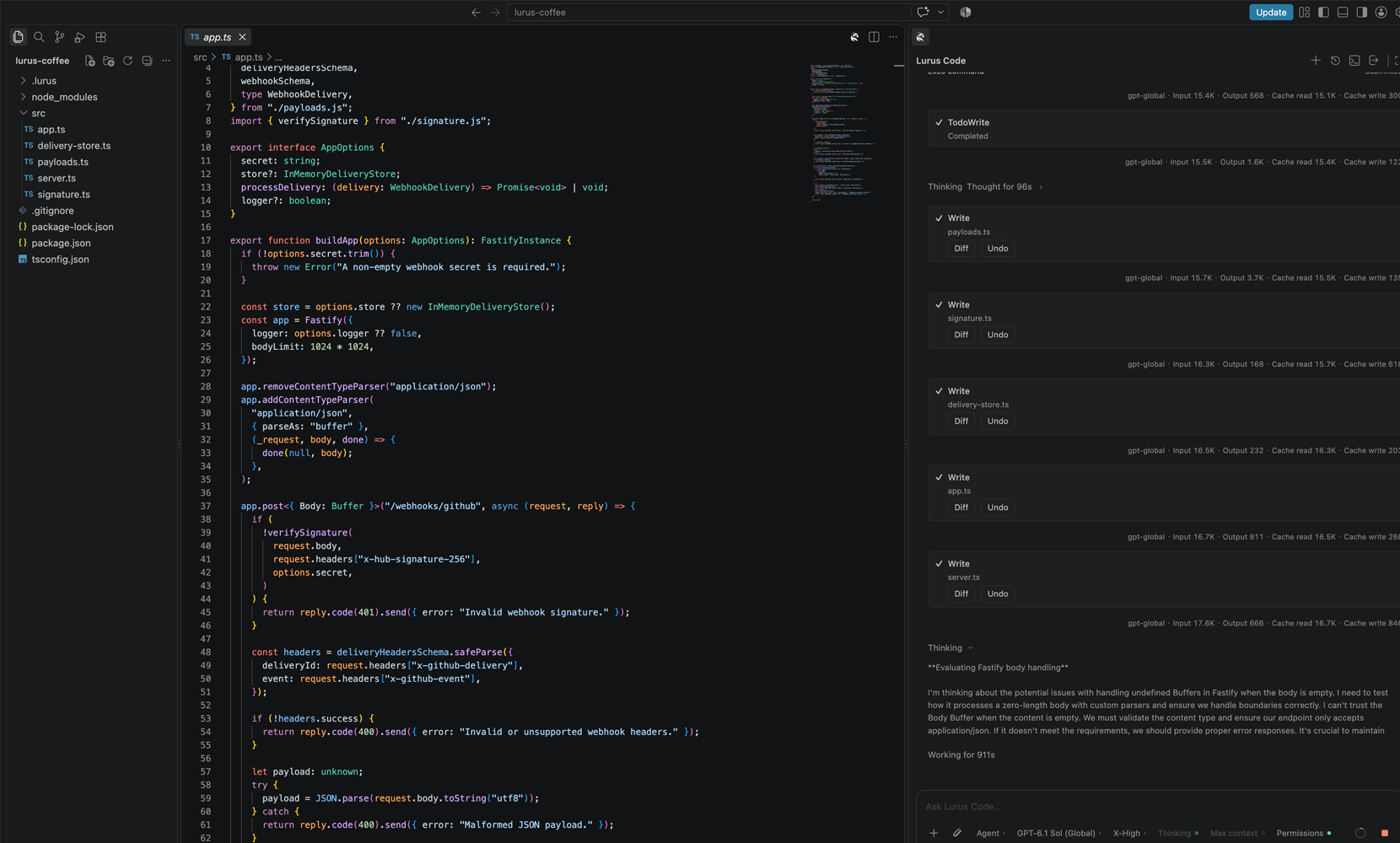
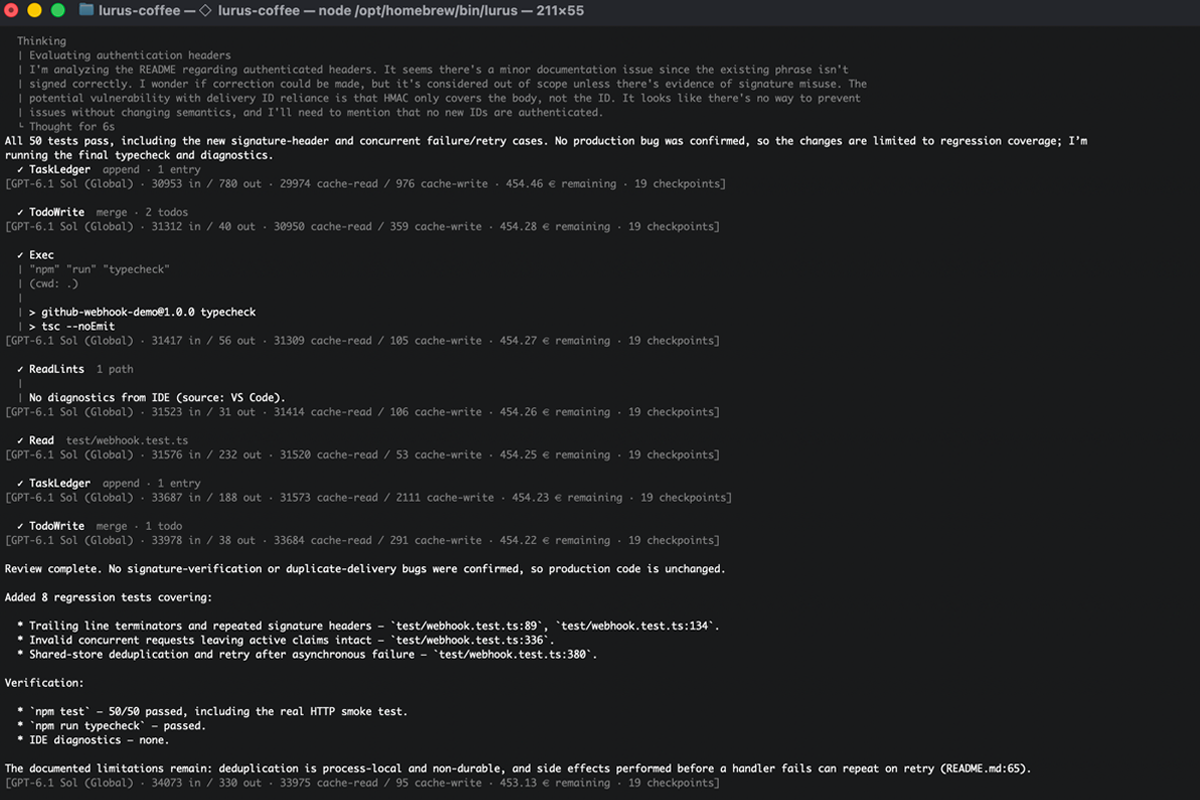
Credits instead of usage quotas
No daily or weekly usage quotas that force a pause. Lurus bills usage against credits, so you do not have to plan your work around a new usage window.
All prices and termsAdditional credits, exclusively for Lura.
Usage depends on your available credits and plan features. This is not a promise of unlimited technical capacity.
The right intelligence
Choose your model for planning, implementation, and review – in one workflow. Providers and processing regions stay transparent, with Zero Data Retention at model providers and no training on customer code.




Documented privacy guarantees and a contact in Germany.
Model, provider, and processing region are documented for each route. Not every route is exclusively European.
In planning mode, approach, boundaries, and approval come before implementation.
Planning, implementation, and verification stay in one traceable workflow.
Diffs and executed tests, reviews, and security checks help you assess results.
Project rules and decisions persist across work steps.
Your next step
20 € / month
For developers with Security Scan, Code Review and Custom Agents.
Start free trial60 € / month
For teams with CI/CD integration and extended agent limits.
Start free trial200 € / month
For teams with Agent Teams, orchestration and priority access.
Start free trial€0 per team member
Shared credits, individual budgets, and central management. No seat fees.
Discuss a pilotOne-week free trial
After the trial, your selected paid plan continues unless you cancel beforehand.
Compare all plansNo seat or team base fee. Model and AI feature usage is paid from your shared credits.
Conversion to Team is permanent. A pilot conversation does not convert your account.
Team management and termsInstall the CLI globally, sign in once, and start Lurus Code directly in your project.
Read the quickstartnpm install -g @scramble-cloud/lurus-code-cli lurus login lurus chat Where you already work
Project rules, decisions, and sessions connect your work. Start in your editor and continue in the CLI with the same context.
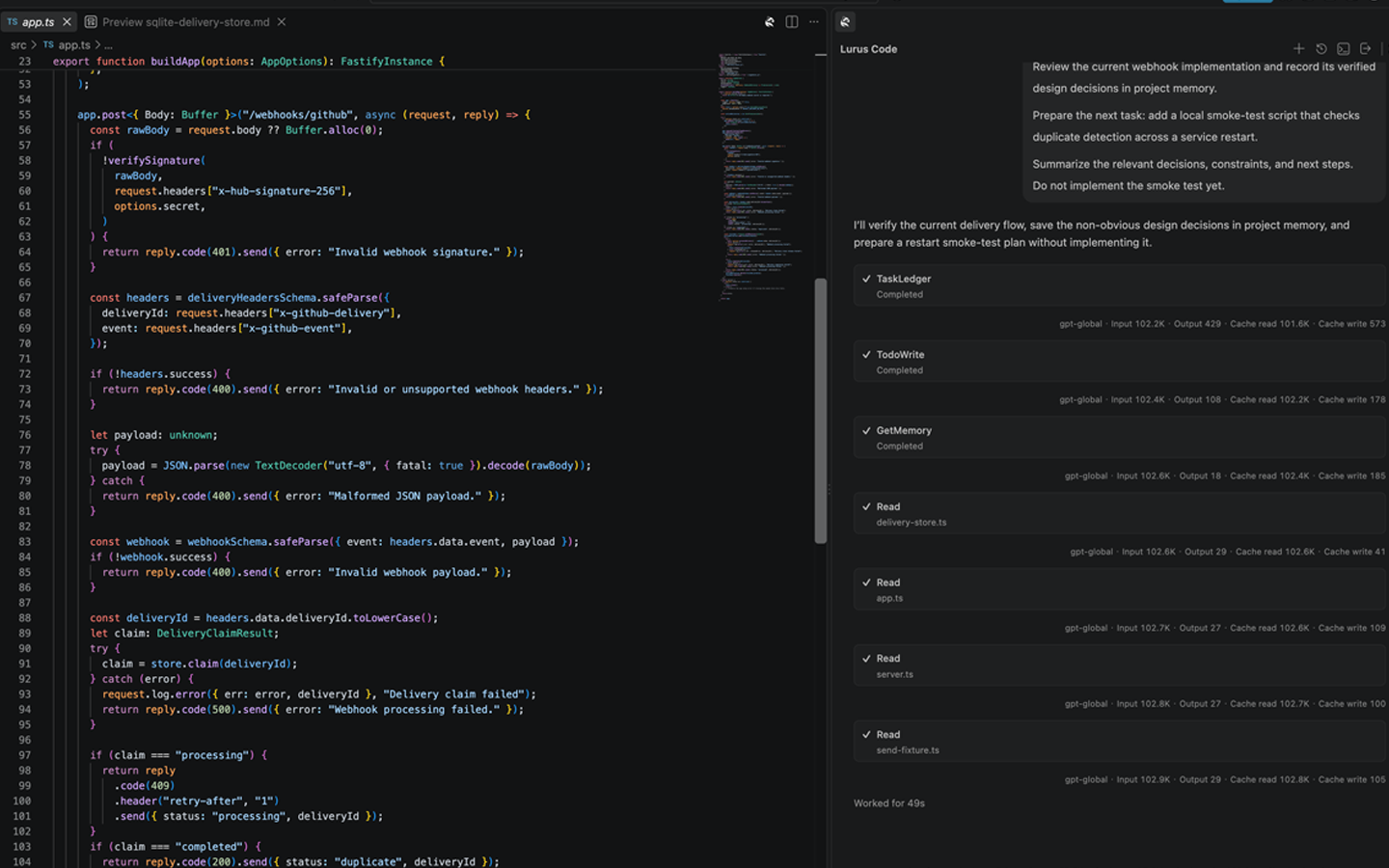
Project rules · Decisions · Sessions
Same task. Same context.
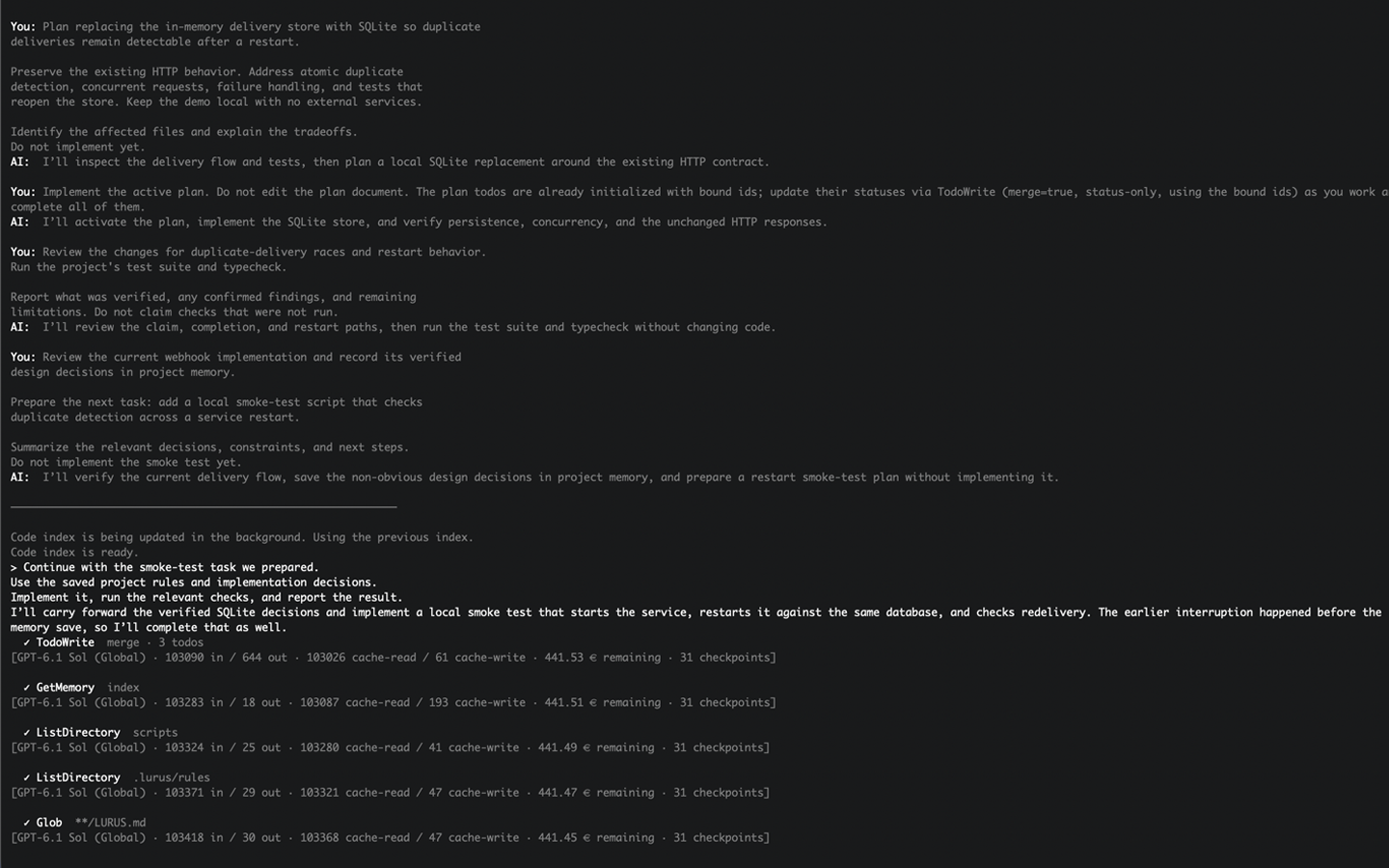
From task to result
From understanding your codebase to a result you can review – in one connected workflow.
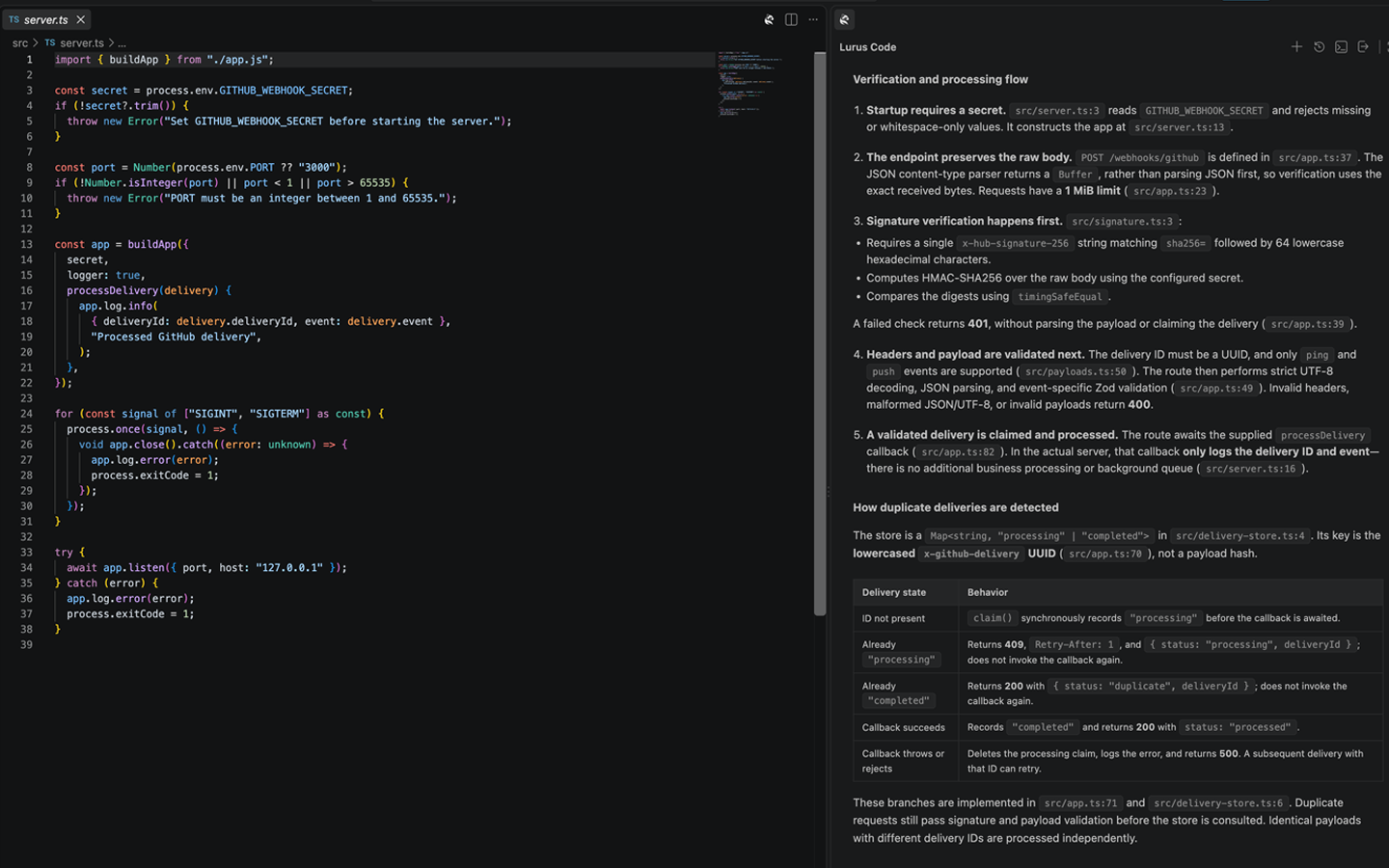
01 / Understand
The agent reads relevant files, dependencies and project rules. Existing patterns establish the foundation for the change.
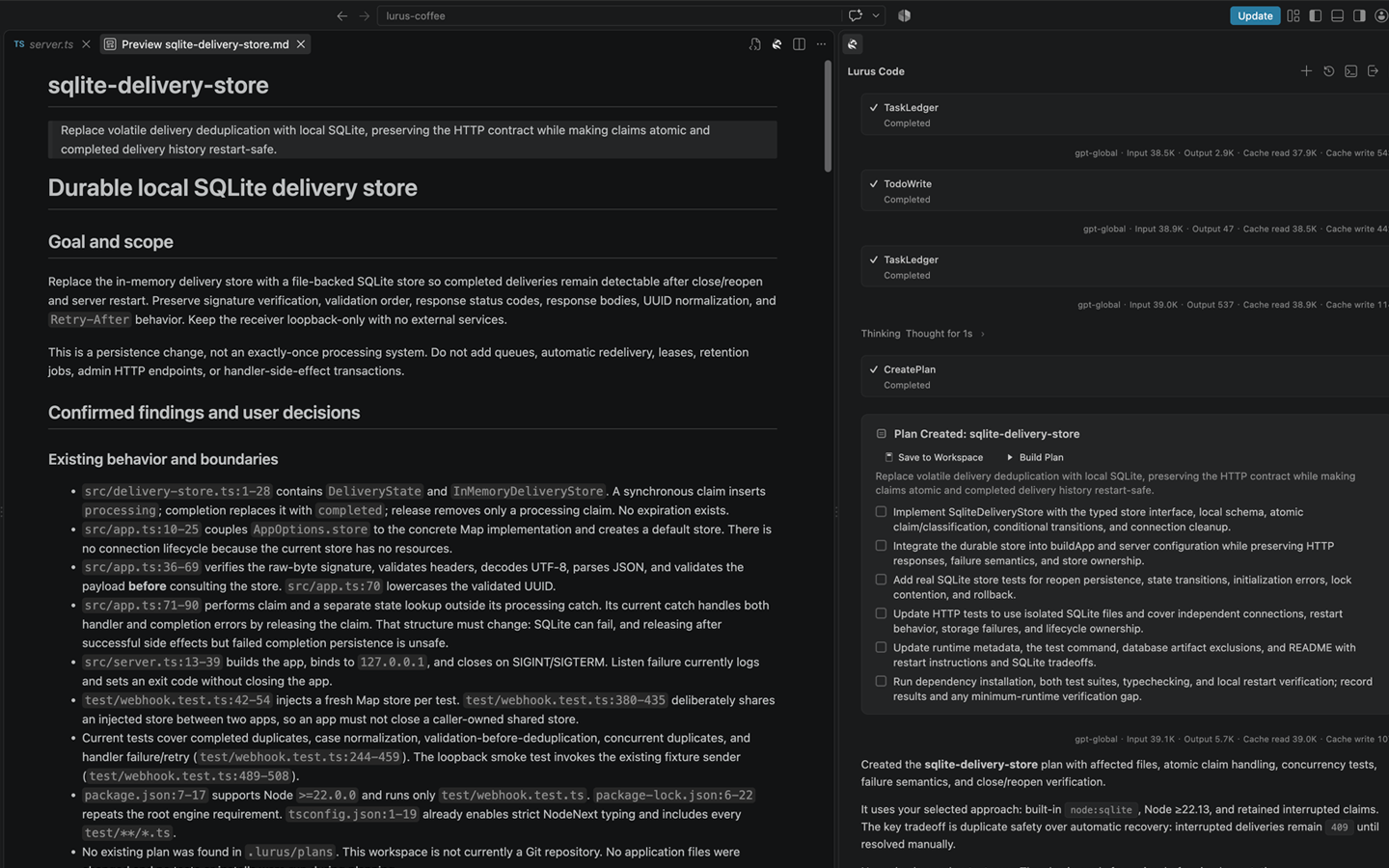
02 / Plan
For larger tasks, ask for a plan first. Review the affected code and verification steps, then approve implementation.
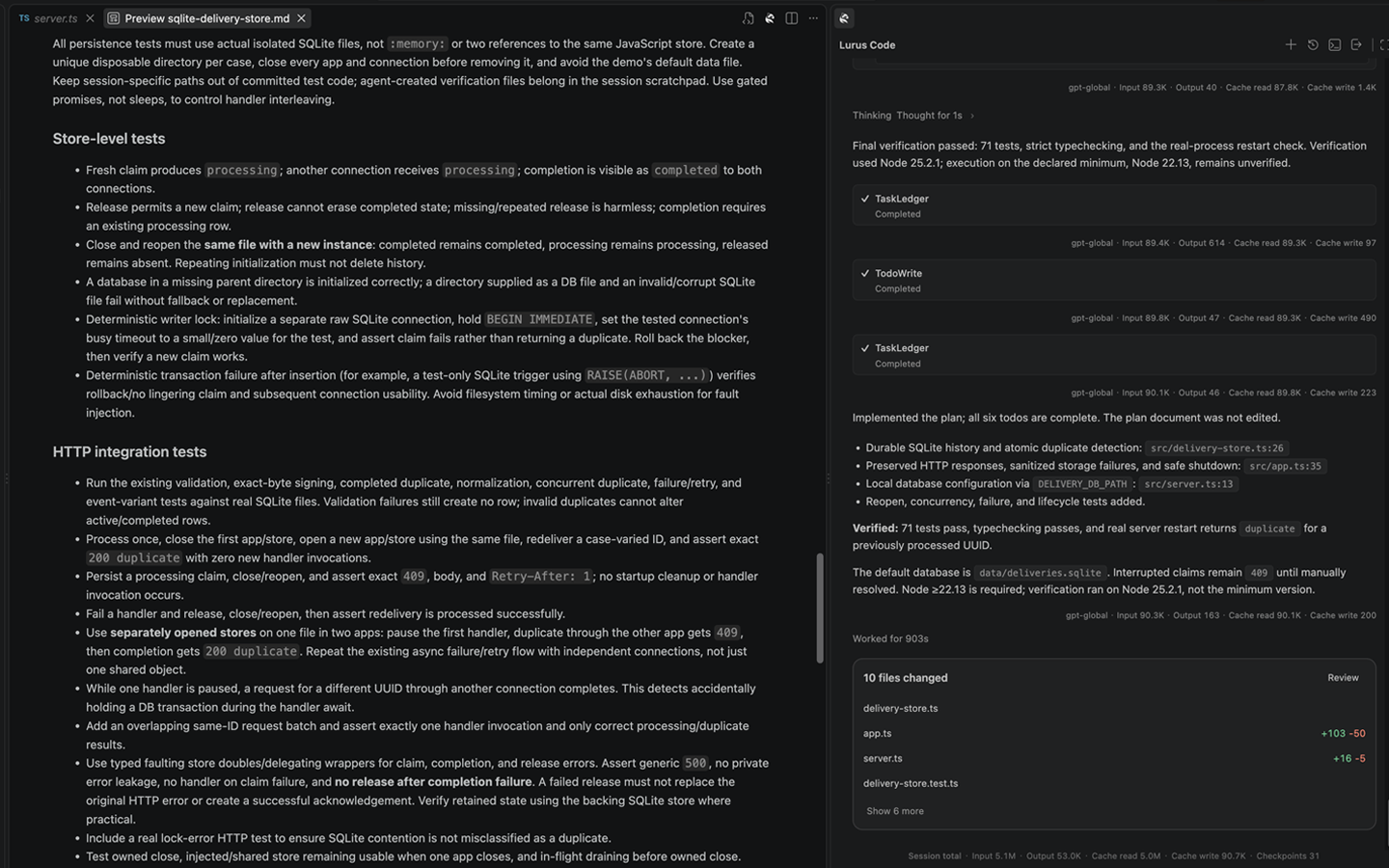
03 / Implement
The agent edits related files and runs suitable tools and terminal commands. Progress and changes remain visible.
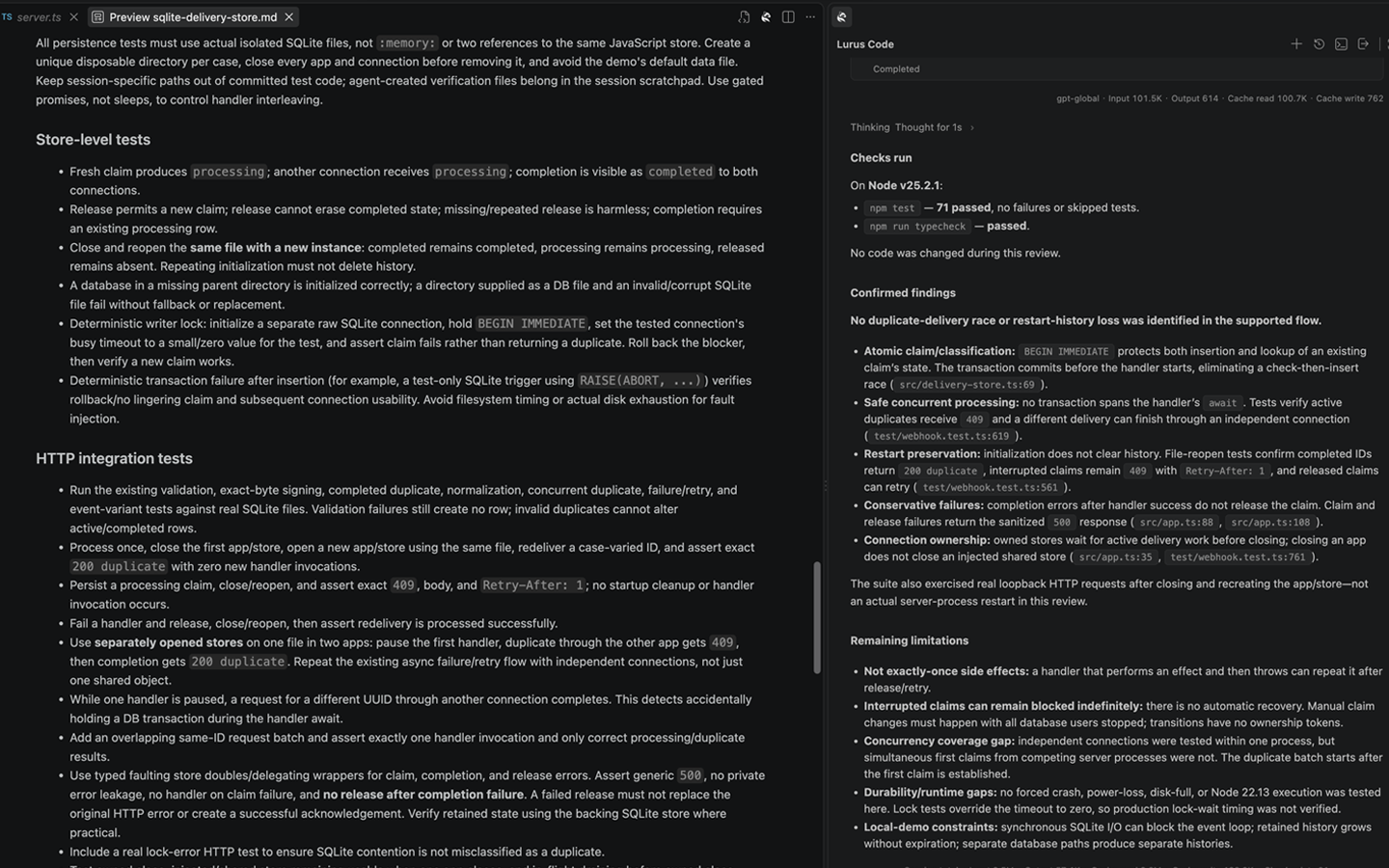
04 / Verify
Tests, code review, security scanning and browser checks help verify changes. See which checks ran and which questions remain open.
05 / Approve
Choose the mode and tool approvals, review the complete diff and decide which changes to accept. Questions and reviews belong to the same workflow.
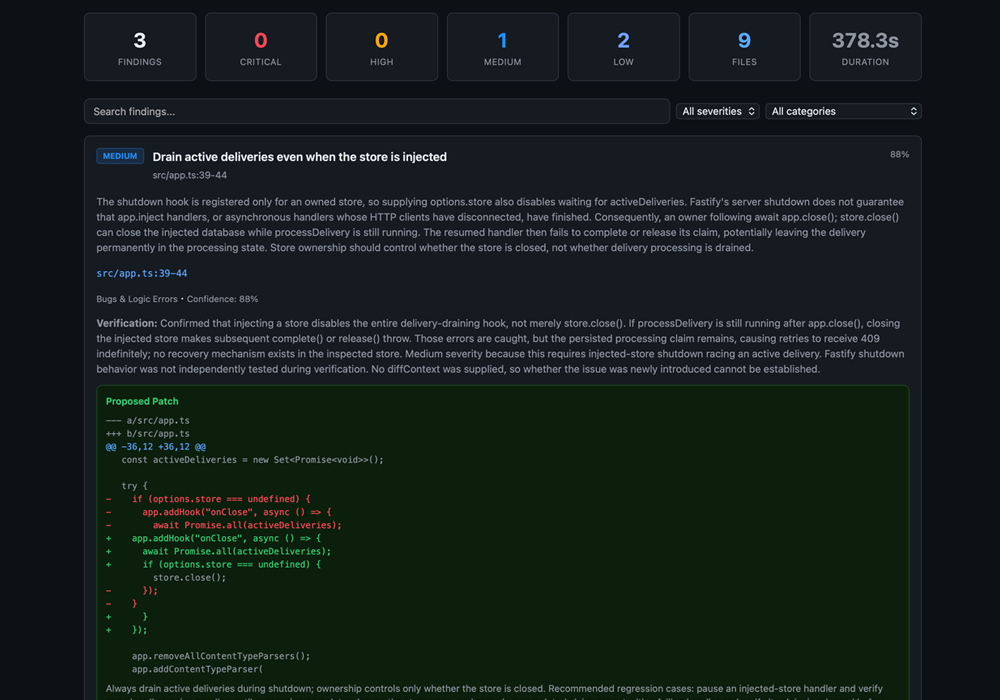
Clarity before you start
There are no time-based usage quotas with a plan-imposed pause. You draw from your available credits. This means neither free unlimited usage nor unlimited technical capacity; features and agent limits depend on your plan.
Pro, Pro+, and Ultra include model credits plus separate Lura credits, which can only be used for Lura. Current amounts, features, and agent limits are listed on the pricing page.
You can try Pro, Pro+, and Ultra free for one week. Your selected paid plan then continues unless you cancel beforehand. Subscriptions can be cancelled at any time.
You can inspect the diff and the tests, reviews, and security checks that ran. In planning mode, implementation begins only after your approval; other modes follow configured permissions. The final assessment stays with you.
Zero Data Retention applies by default at connected model providers: required request context is not stored there after processing. Neither Lurus nor connected model providers train on customer code. Provider and processing region are documented for each route.
Teams use a shared wallet without seat or team base fees and pay for actual usage. Admins control budgets, roles, and policies. Discuss an enterprise pilot with us. Subsequent conversion to Team is permanent, not a reversible individual-plan trial.
Your project is not waiting
Start with a real task in your project.
After the trial, your selected paid plan continues unless you cancel beforehand.
Read the quickstartLura is the language model adapted by Lurus for coding tasks. It uses separate Lura credits provided in addition to your regular model credits.