Documentation
Good code deserves a clear explanation.
The feature is built. Now make it easier to understand, use and hand over. Lurus Code reads your project and helps turn implementation details into documentation, diagrams and release notes.
Use the commands inside Lurus Code chat in your project. /docs is available from Pro. AI usage depends on your plan and credit.
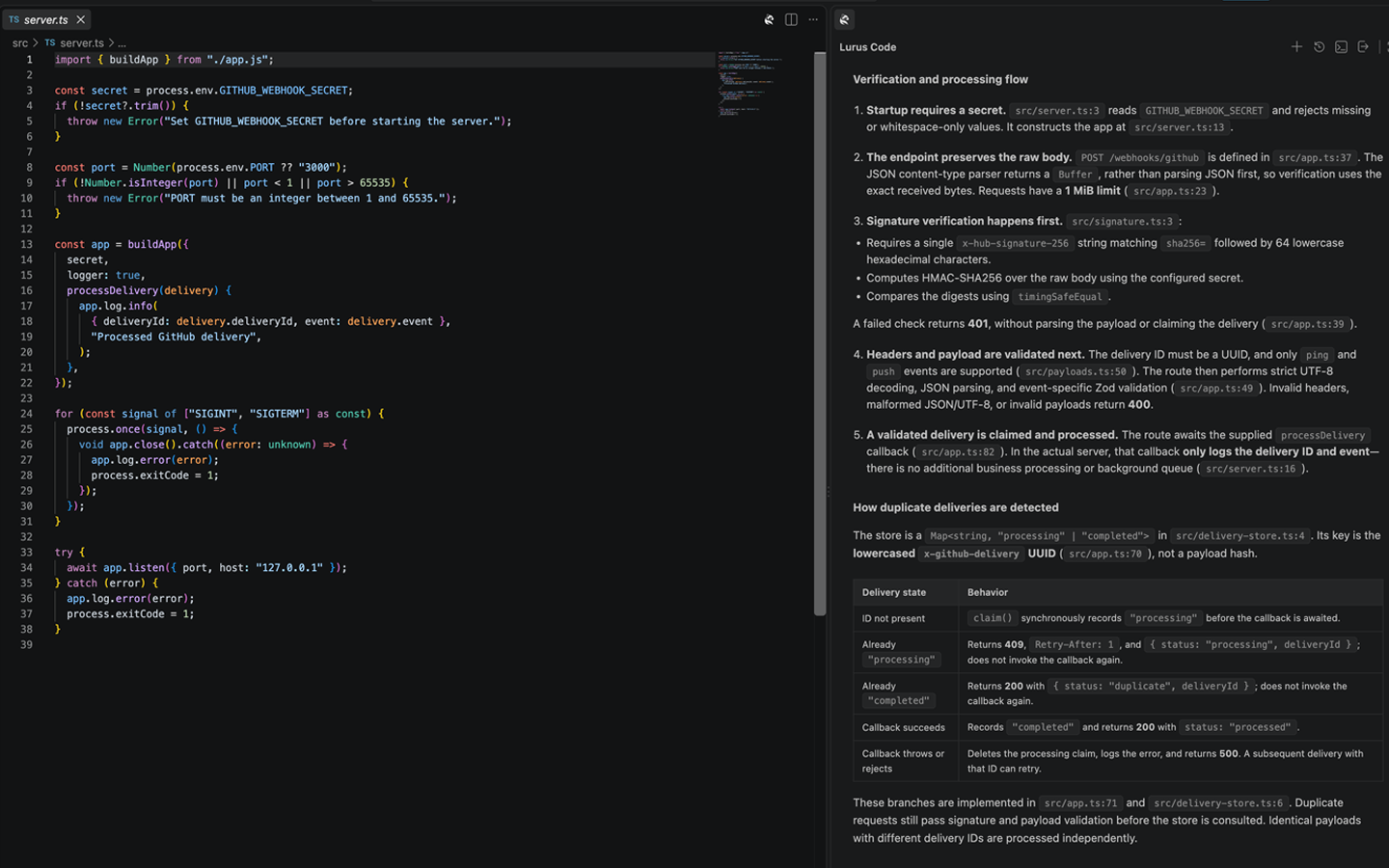
Write for the next reader
From the first steps to the API.

Not every reader needs every detail. Start with a file, expand to a module or ask for a project overview. The agent reads the relevant code before writing the documentation.
-
A way into the project.
Explain the project structure and the role of its main parts. Give the next developer a starting point instead of another folder to search.
-
Interfaces people can use.
Document public functions, classes and types: what they do, which parameters they accept and what they return.
-
Examples with context.
Ask for usage examples and explanations alongside the interface. Check that they match the current code and the intended behaviour.
Make connections visible
A flow is easier to follow when you can see it.
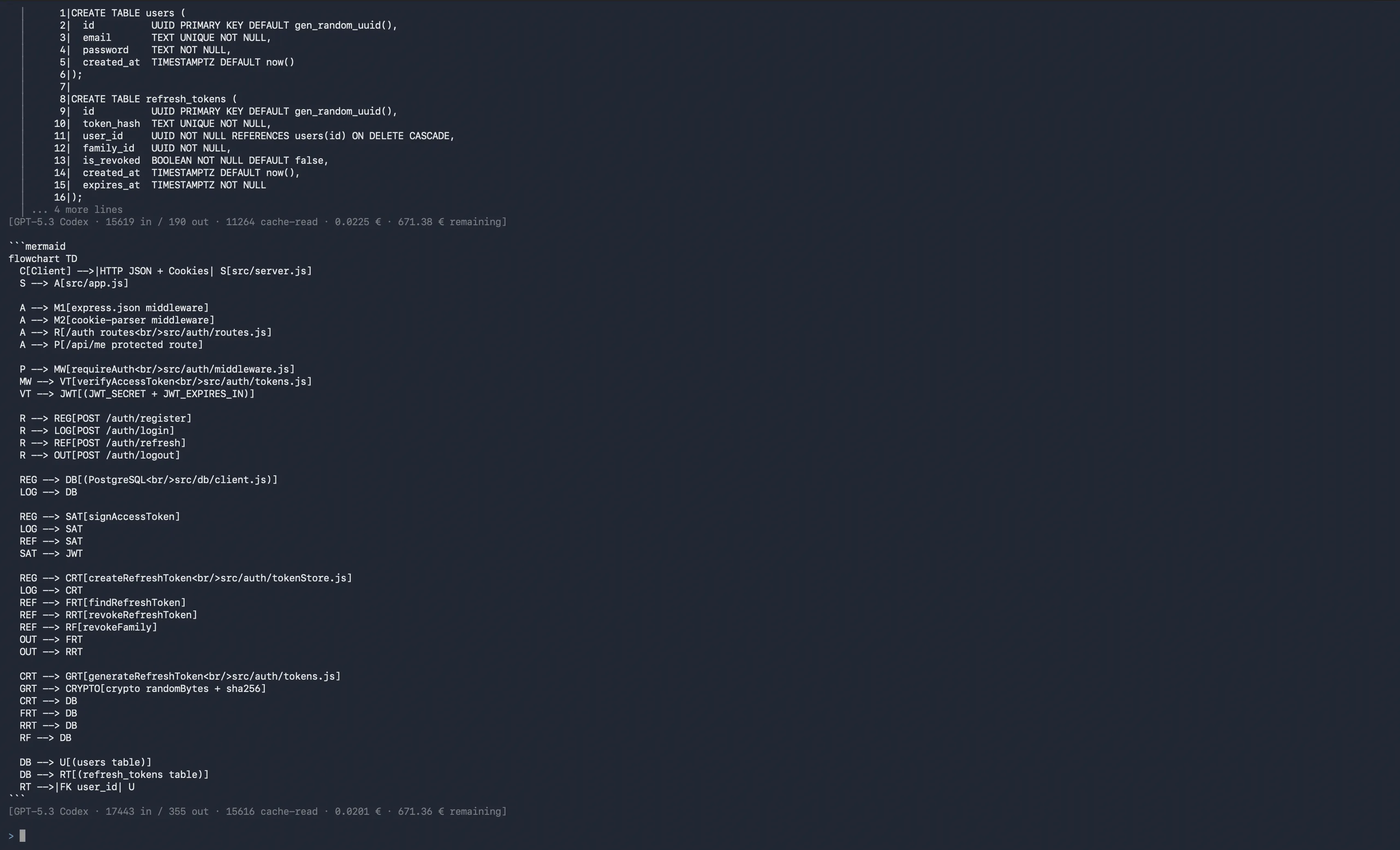
Describe the relationship you want to explain. /mermaid reads the relevant files and generates Mermaid code for architecture, database schemas or interaction flows. Add it to your documentation and render it with a Mermaid-compatible viewer.
- Explain an authentication flow
/mermaid auth flow
Review the relationships and render the diagram before sharing it. Generated syntax is a starting point, not a verified architecture map.
Close the loop
Commits record changes. Release notes explain them.

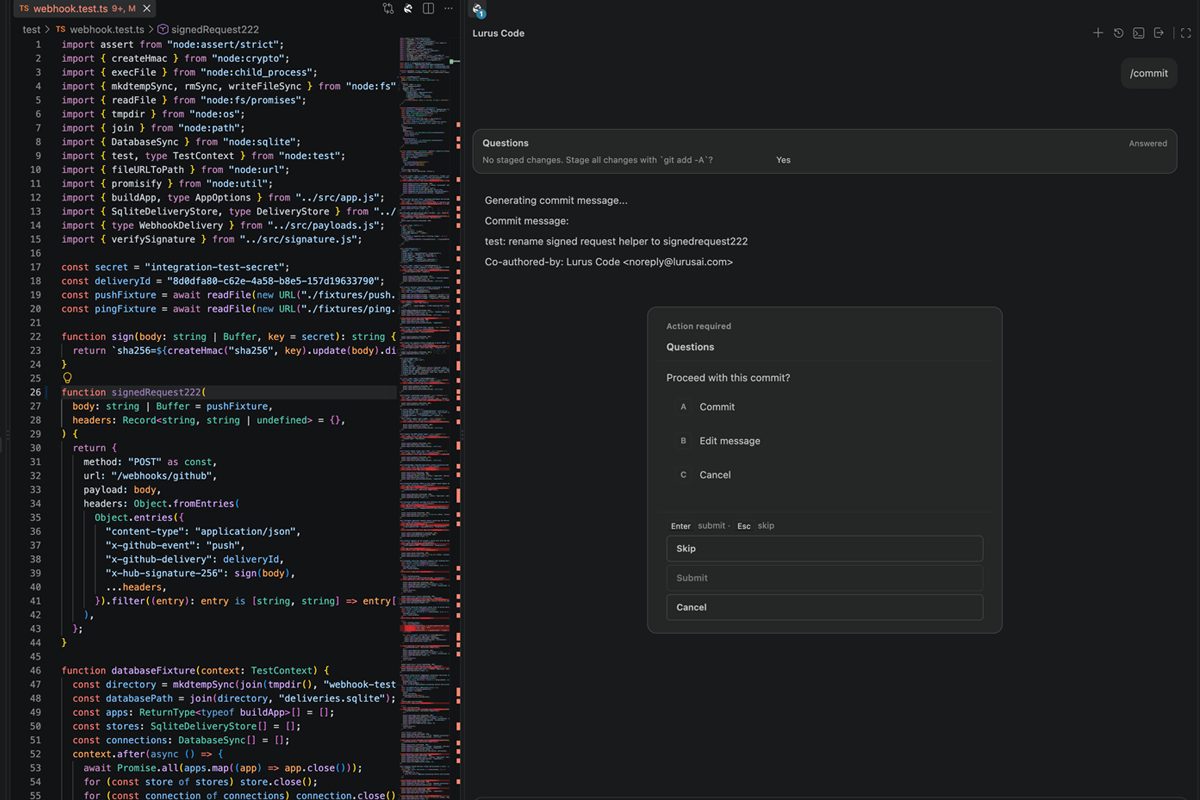
/changelog uses commits since the last Git tag to draft a Keep-a-Changelog entry. Added, changed and fixed work becomes easier to scan than a list of commit messages.
- Draft a changelog entry
/changelog
Requires readable Git history. Without a tag, the command attempts a range of 20 commits. Check the version, release scope and wording before publishing.
Git & GitHubKeep the explanation as close as the code.
Generated documentation is a draft, not a background synchronisation service. Ask for an update after relevant changes, review the diff and keep the accepted files in your repository.
- Read the documentation against the implementation.
- Check examples, diagrams and release details.
- Commit the reviewed documentation with the related change.
One file. A useful first draft.
Open Lurus Code chat in your project and replace the sample path with your own file. /docs writes documentation and reports which files and public interfaces it documented.
Set up the CLI- Document a source file
/docs src/auth.ts
Your code stays yours.
Source code and request context are processed with Zero Data Retention. No use for model training. Providers and processing regions are disclosed transparently.
See privacy and processing detailsA few things to know before you start.
What does /docs generate?
Does the documentation stay up to date automatically?
Are diagrams and release notes published automatically?
Documentation
Make your next change easier to understand.
Start with a module your team asks about often. Create a first draft, check it against the code and turn it into something the next person can use.
For Pro, Pro+ and Ultra. Paid subscription after the trial unless you cancel beforehand. Usage and features depend on your plan and credit.
Want to start with your team? Talk to us.